Video is undoubtedly one of the best ways to convey your message, market your product, educate people about something or connect with them. However, preparing videos manually might be very time-consuming since one would have to record the video, edit it, provide voice overs and captions, and use pictures in order to prepare such videos. There are tools that allow preparing videos from text, images, scripts, and other inputs using AI.
These tools can be quite useful for individuals interested in creating videos for their own personal purposes. The choice of the right platform may depend on the type of video you want to create.
What Is Descript AI?
Descript AI is a video and audio editing software that targets creators, podcasters, marketers, educators, and businesses. The software incorporates recording, transcription, editing, audio optimization, caption creation, and reusing your content.
The key feature of the software is text editing. Once you upload or record a video or an audio clip, Descript will provide you with a transcript. The video and audio files can be edited by simply deleting or rearranging texts.
For instance, if you make a 20-minute recording in YouTube and speak wrongly several times, you can find the sections in the transcript and delete them. As a result, the relevant part of the video is edited at the same time as the text.
The software makes it easy to edit videos even for users who do not have any skills in video editing applications.
AI-assisted editing can be done with the help of Underlord co-editor. This tool will assist you in editing videos by eliminating unnecessary words from your recording or creating shorter clips. It all depends on your subscription and restrictions.
Key Features of Descript AI
1. Text-Based Video and Audio Editing
Conventional editing involves having users go through a timeline and manually cutting out segments. Descript makes this easier as it links up the text transcription with the actual recording.
Sentences, unneeded segments, and even spoken content can be deleted, cut, and moved around in any way possible by editing the text. This applies mostly to interviews, tutorials, presentations, and talking head video content.
There is therefore less time spent searching through the recordings and more time spent structuring the content.
2. Automatic Transcription
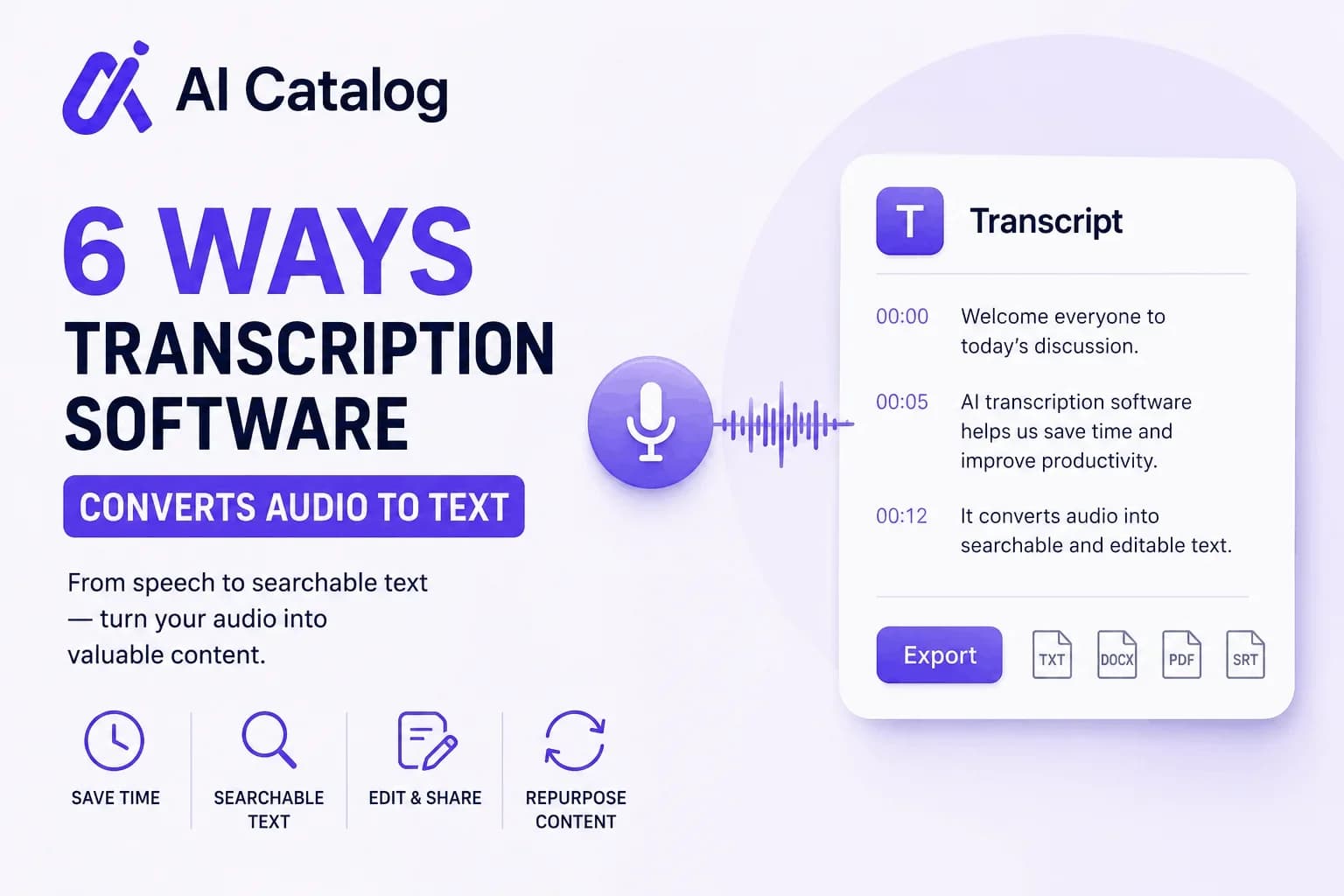
Descript transcribes oral language to written language, allowing users to go through their recordings without having to listen to the entire file again.
Transcriptions can be useful for content repurposing. A podcast transcription, for example, can serve as the basis for creating show notes, writing an article, adding video captions, or posting on social media.
Automated transcription can facilitate this process, but the user must check for errors, such as words, names, or specialized terms.
3. AI-Powered Audio Enhancement
The presence of background noise and bad audio may influence the watching/listening experience. There is a Studio Sound feature powered by AI, which allows one to lower the background noise level and echo as well as make speech clearer.
It may be helpful for those who record videos at their home offices, small studios, etc., where there is no acoustic treatment available.
Nevertheless, the audio enhancement cannot provide perfect results with any recording.
4. Filler Word and Retake Removal
Words like “um” and “uh” and repetition can disrupt the continuity of an audio recording. Descript has a feature which identifies filler words and repetitive parts which can be eliminated.
Such features can help users edit interviews, lectures, podcasts, etc., without having to go through each part of it separately.
However, users need to check for any natural pauses and expressions in the audio before accepting the suggestions.
5. Captions and Subtitles
Captions can make video watching easier, especially for people who view them without the use of sounds. Descript creates captions using the transcript and allows customization before exporting the final video.
This feature can benefit YouTubers, educators, digital marketers, and social media managers preparing videos for diverse audiences.
The accuracy of captions also depends on how well-transcribed the video was, hence the need for a final review.
 AI Catalog